
A passport photo you can print with confidence.
Upload one clear photo. Get a crop-only photo with its original background, a background-removed alternative, and a print-ready 4 × 6 sheet. For U.S. digital applications, use the original-background photo.
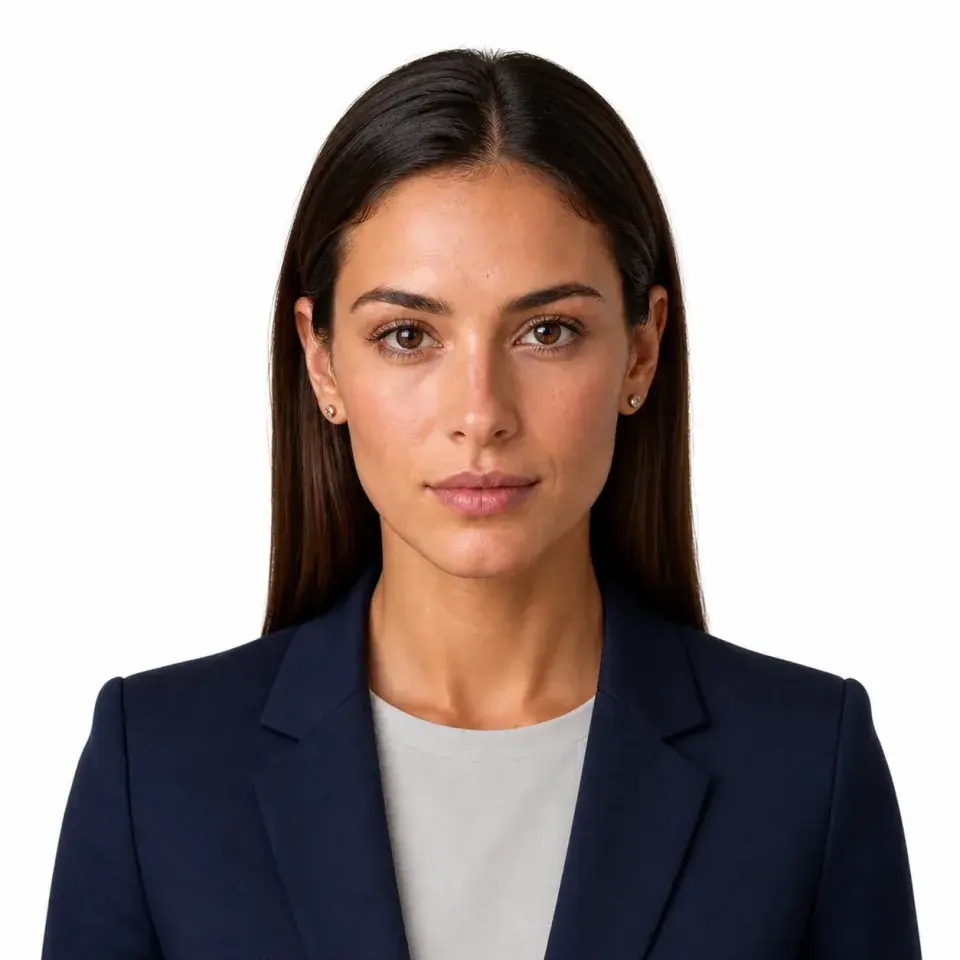
- 2 × 2 inch output
- Private by default
- Print anywhere
Your photo pack
One upload. Three photo files.
For digital applications, choose the crop-only photo with its original background. Use the background-removed version only where accepted. For paper, use the 4 × 6 sheet.
Crop-only photo
2 × 2 in crop; background unchanged.
Background removed
Use only where a replaced background is accepted.
Print-ready sheet
Two 2 × 2 photos on a 4 × 6 sheet.
Digital + paper applications
U.S. passport photo requirements
Use the crop-only photo with its original background for U.S. digital applications. For paper applications, print the 4 × 6 sheet. Use the background-removed version only where accepted.
- Recency
- One color photo taken within the last 6 months.
- Print size
- 2 × 2 in (51 × 51 mm).
- Head size
- 1–1⅜ in (25–35 mm) from chin to top of head.
- Background
- Plain white or off-white, without shadows, texture, or objects.
- Face
- Direct gaze, head straight, eyes open, mouth closed; no eyeglasses.
- Print quality
- Sharp, high-resolution photo on matte or glossy photo paper.
- Framing
- Head and shoulders centered; keep the entire head visible.
- Lighting
- Even lighting, natural skin tones, and no shadows or overexposure.
- Original photo
- Original, unedited photo; no filters, retouching, scans, or AI changes.
- Online upload
- JPG, JPEG, PNG, HEIC, or HEIF; 54 KB–10 MB.
Real checks
More than a square crop.
Passfo checks the photo and prepares three outputs, including the original-background version for digital applications.
For digital applications, use the crop-only photo with its original background. Use the background-removed version only where accepted. Faces are not retouched.
Size and head position
Square output, centered head, and measured print proportions.
Pose and expression
Direct gaze, visible eyes, and a natural closed-mouth expression.
Lighting and source background
Even light and an existing plain white or off-white background.
Clarity and obstructions
Sharp image, uncovered face, and no eyeglasses.
Before you upload
Four ways to take a better source photo.
Start with an original, unedited portrait. These four tips help avoid a retake.
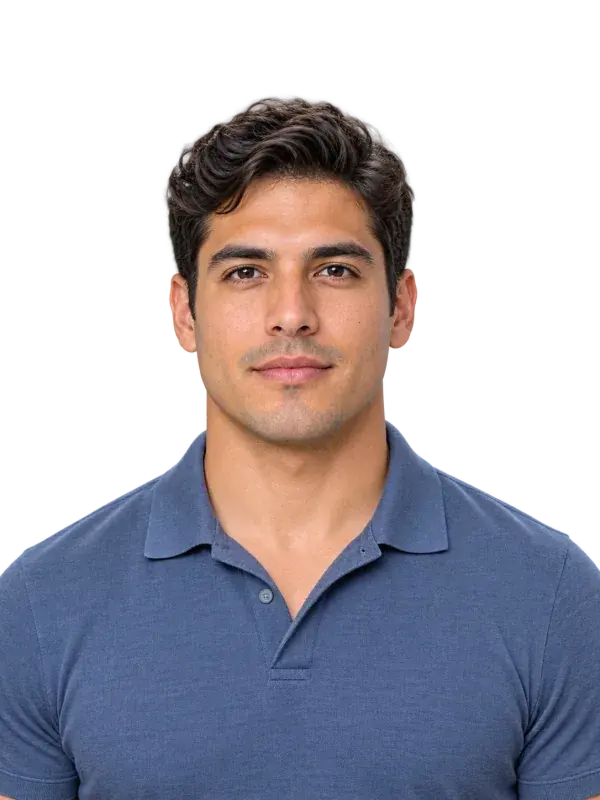
Use a plain background
White or off-white, without texture, objects, or shadows.
PLAIN BACKGROUND
Face the camera
Keep the head straight, centered, and fully visible.
FRONT-FACING
Choose even light
Avoid harsh side light, overhead shadows, and flash.
EVEN LIGHT
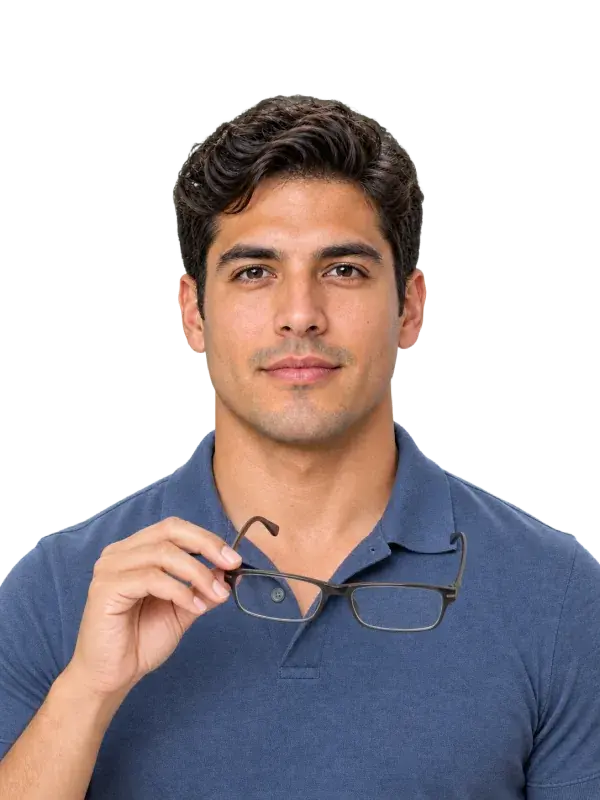
Remove eyeglasses
Keep both eyes visible and the face unobstructed.
NO GLASSES
Your space, your pace
Your best attempt does not need a queue.
Take another photo when the expression feels wrong. Adjust the light. Choose the portrait you actually want to submit.
More
attempts without paying again
Less
pressure than a photo counter
Clear
feedback before checkout
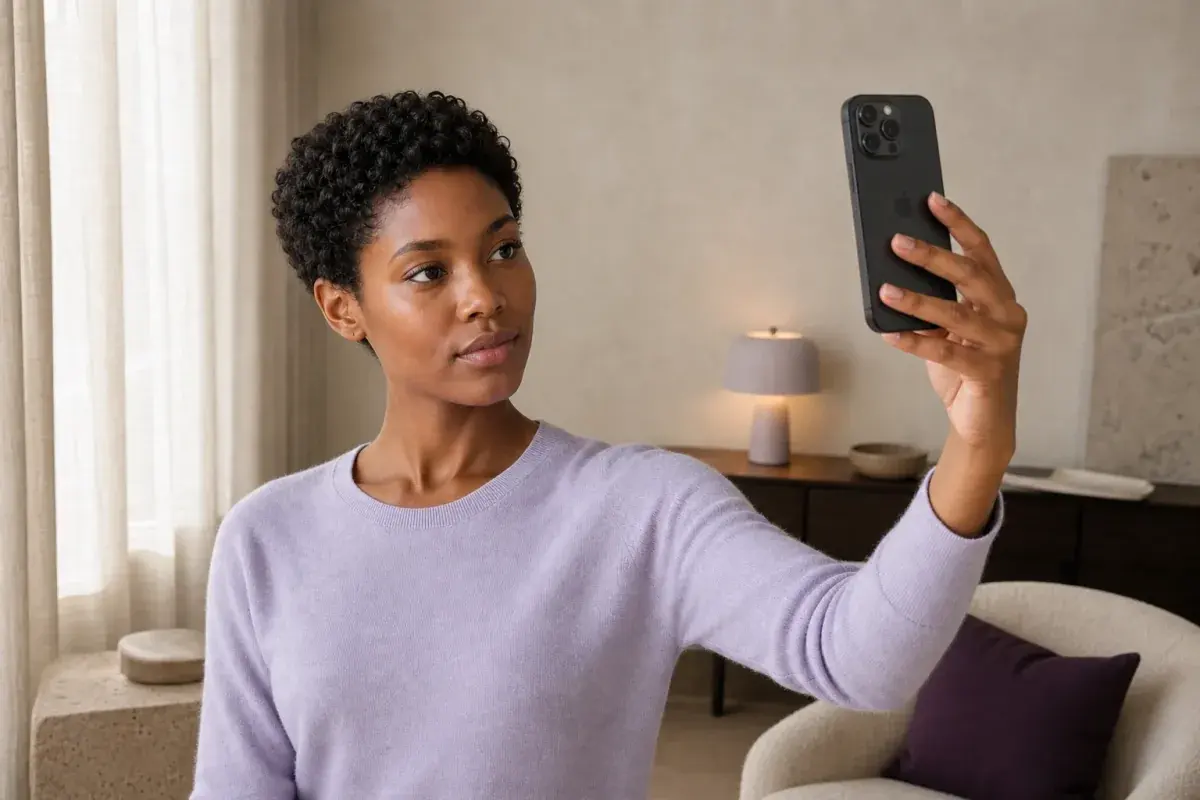
One clear photo. Three passport-ready options.
Review the three outputs before choosing a file.
Unpaid previews expire after 1 hour. After successful payment, your photos and files remain available for 24 hours; then access ends and automatic deletion begins.