U.S. visa photoFrom US$3.49

Prepare a U.S. visa photo online without leaving home.

Upload a clear photo. Passfo checks it, optimizes the background and lets you preview the result before checkout. After payment, you receive a 600 × 600 JPEG and a print-ready sheet.

Private processing · Preview before you check out
  • Digital fileFixed 600 × 600 JPEG, sRGB, up to 240 KB
  • Print sheet4 × 6 inch sheet with two 2 × 2 inch photos
  • Your natural lookPassfo optimizes the background without retouching your face.
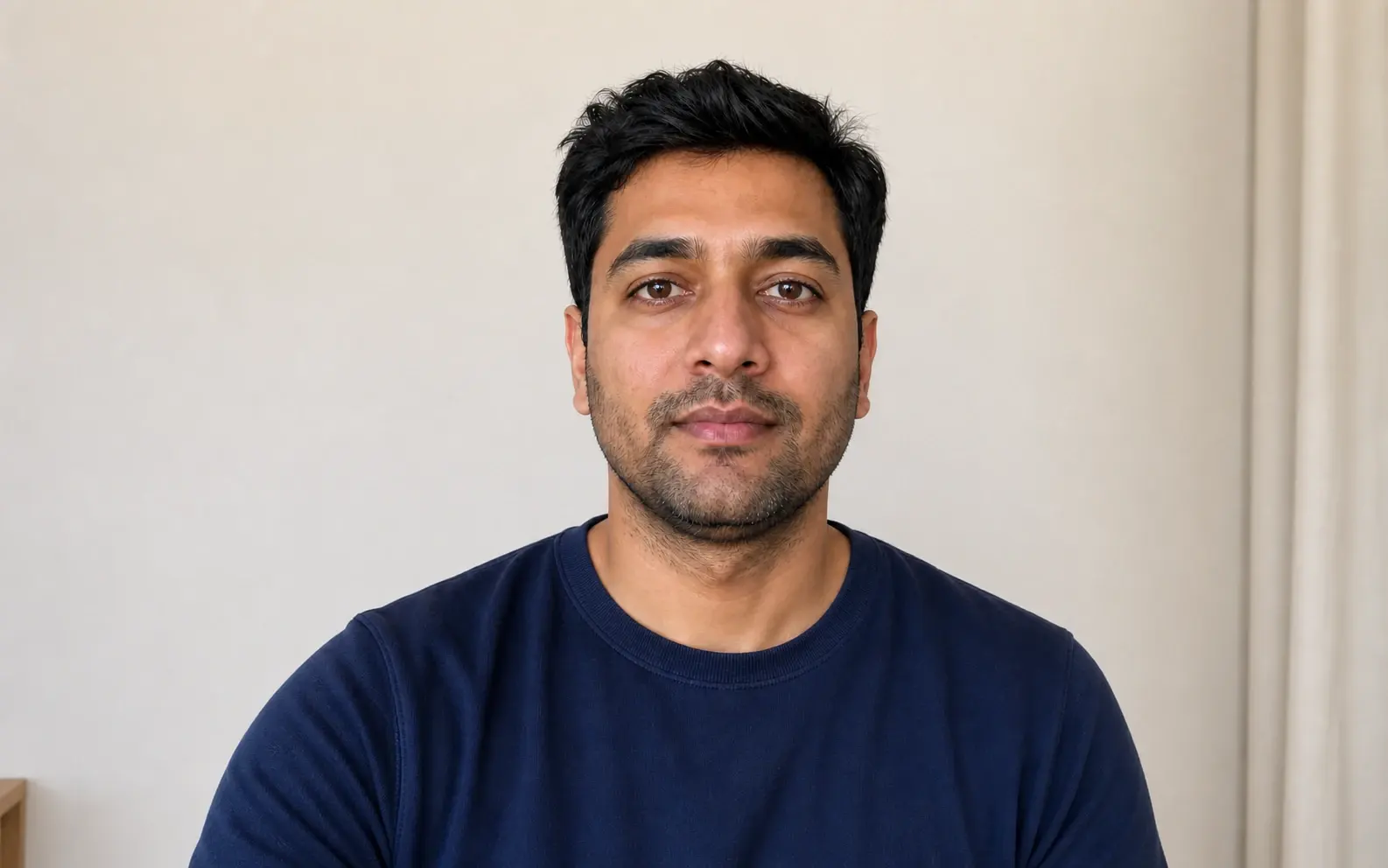
Portrait positioned inside a square U.S. visa photo measurement guide
2 × 2 in · 51 × 51 mm

The U.S. format at a glance

The essentials, measured clearly.

U.S. visa photos use a square format with rules for size, composition, recency, background, and expression.

Head size
50–69%of image height

Chin to top of hair; eye line is 56–69% from the bottom.

  • Taken within 6 monthsThe photo should reflect your current appearance.
  • White or off-white backgroundUse a plain surface without visible patterns or shadows.
  • Full face and both eyes openLook directly at the camera with a neutral expression.

Your U.S. visa application

Digital upload or printed photos?

How you submit your photo depends on the visa application you are completing. Match the file to the form and instructions for your application location.

NONIMMIGRANT VISADS-160 / DS-1648

Upload a digital JPEG

Upload a square sRGB JPEG with compression no greater than 20:1 while completing your online nonimmigrant visa application.

  • JPEG
  • 600–1200 px square
  • Up to 240 KB

If the confirmation page shows your photo, the upload succeeded. Some embassies or consulates may still ask you to bring one printed photo.

IMMIGRANT VISADS-260

Bring two printed photos

Provide two identical color photos, each 2 × 2 inches, printed on photo-quality paper for your immigrant visa interview.

  • 2 identical prints
  • 2 × 2 in
  • 51 × 51 mm

The photos are provided at the interview. Follow the instructions supplied for your application location.

Your embassy or consulate makes the final decision on whether to accept the photo and may ask for a new one.

Need a U.S. passport photo? · Coming soon

From portrait to photo files

A precise visa photo that still looks like you

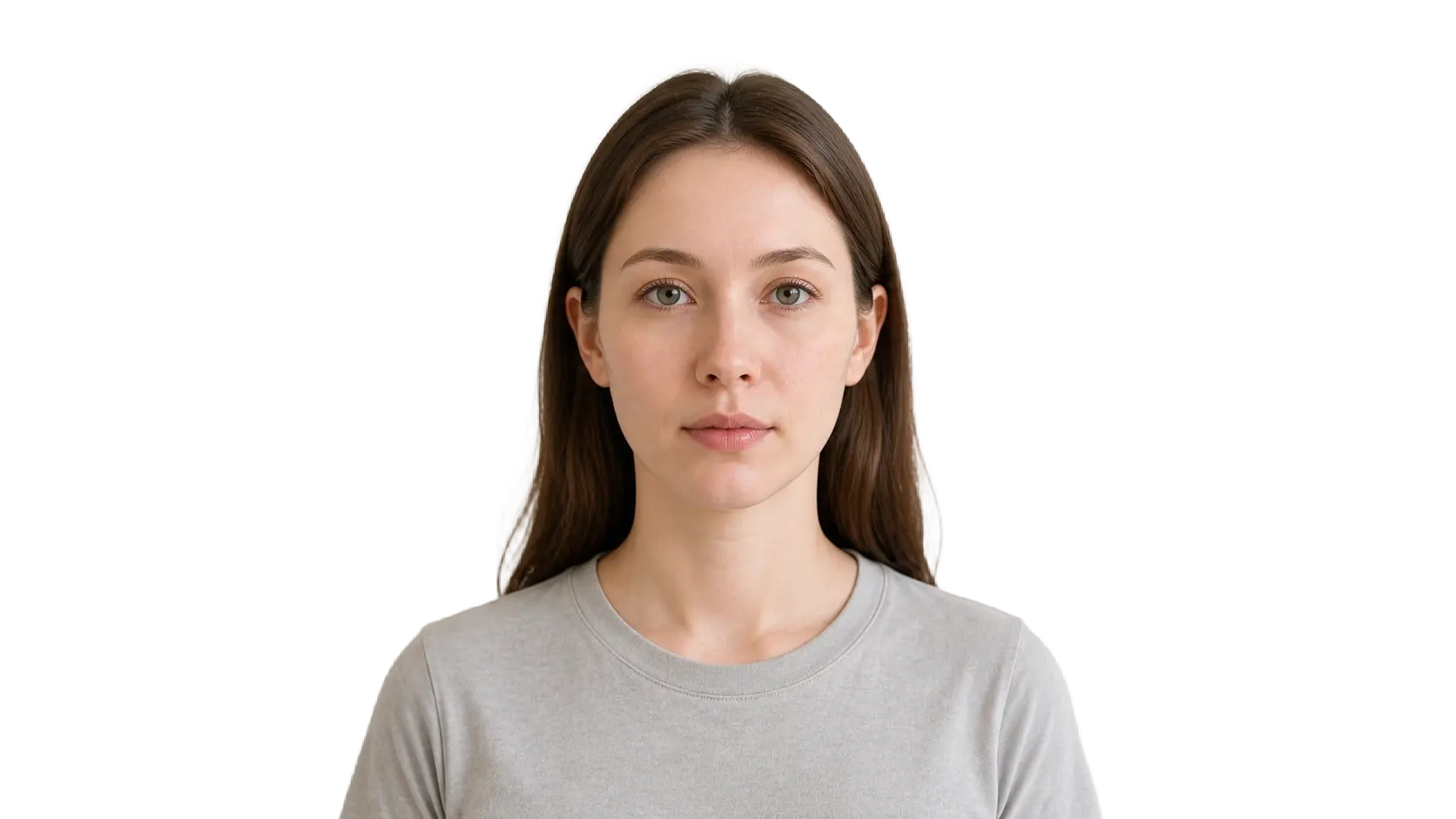
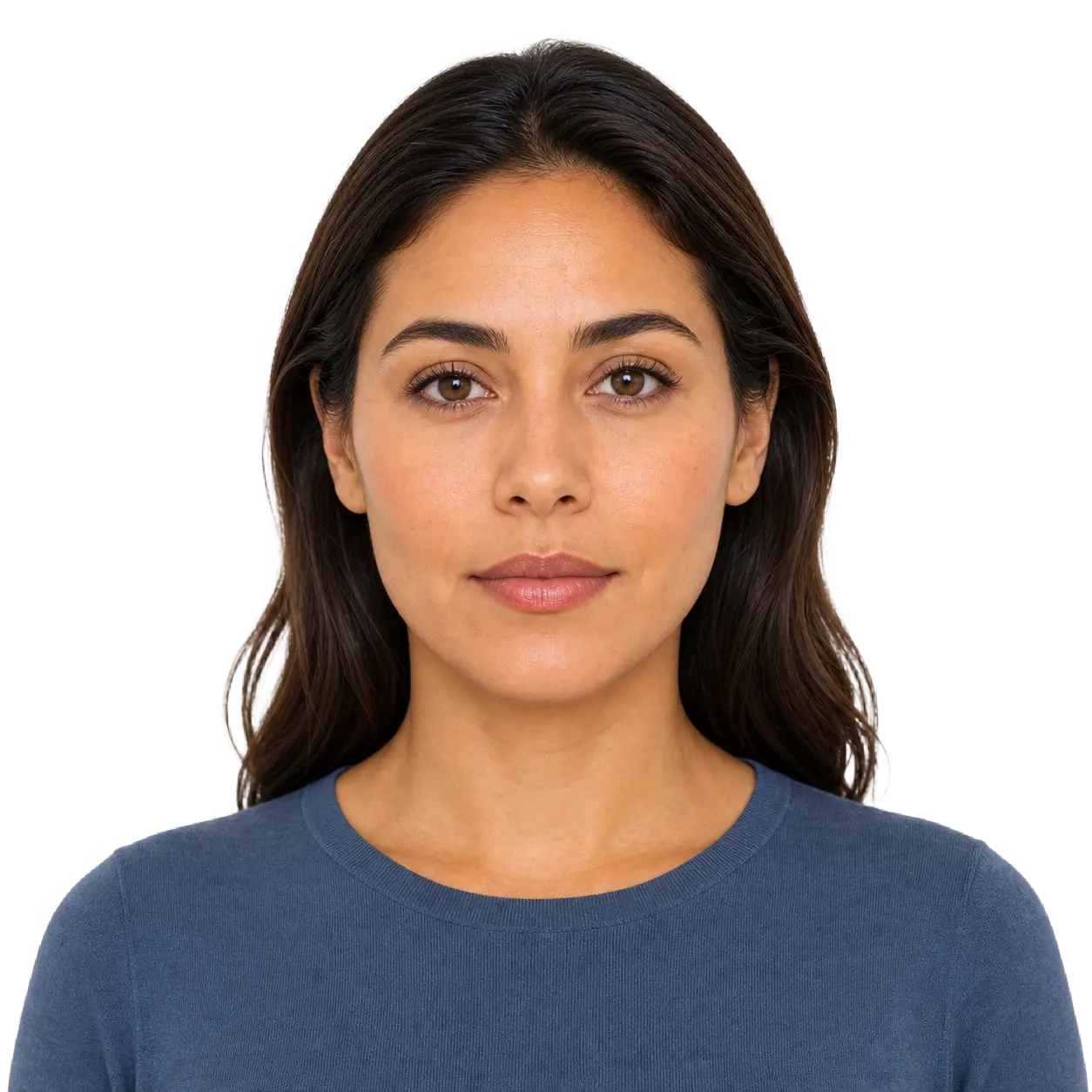
Passfo crops and sizes your photo, optimizes the background and preserves your natural facial features.

Original source portrait before U.S. visa photo preparationOriginal portrait
Final U.S. visa photograph after crop, background preparation, and formattingFinal photographChecked

Three checks you can see

Review the crop, head position, and background checks before deciding whether to continue.

  • Crop alignedSquare and centered
  • Head positionedWithin measured range
  • Background optimizedPrepared for the U.S. visa format without changing your face.

Start with a clear photo

Four steps for taking a better photo.

Follow these four tips, then let Passfo handle the crop, background and final files.

  1. Person facing the camera for a U.S. visa photo01

    Face the camera directly

    Keep the camera at eye level. Show your full face with a neutral expression and both eyes open.

    FULL-FACE VIEW

  2. Person facing the camera for a U.S. visa photo02

    Use soft, even light

    Stand facing a window or soft light source. Avoid shadows across your face or behind your head.

    NO HARD SHADOWS

  3. Person facing the camera for a U.S. visa photo03

    Use a simple background

    An evenly lit, uncluttered background gives Passfo a better photo to work with.

    PLAIN BACKGROUND

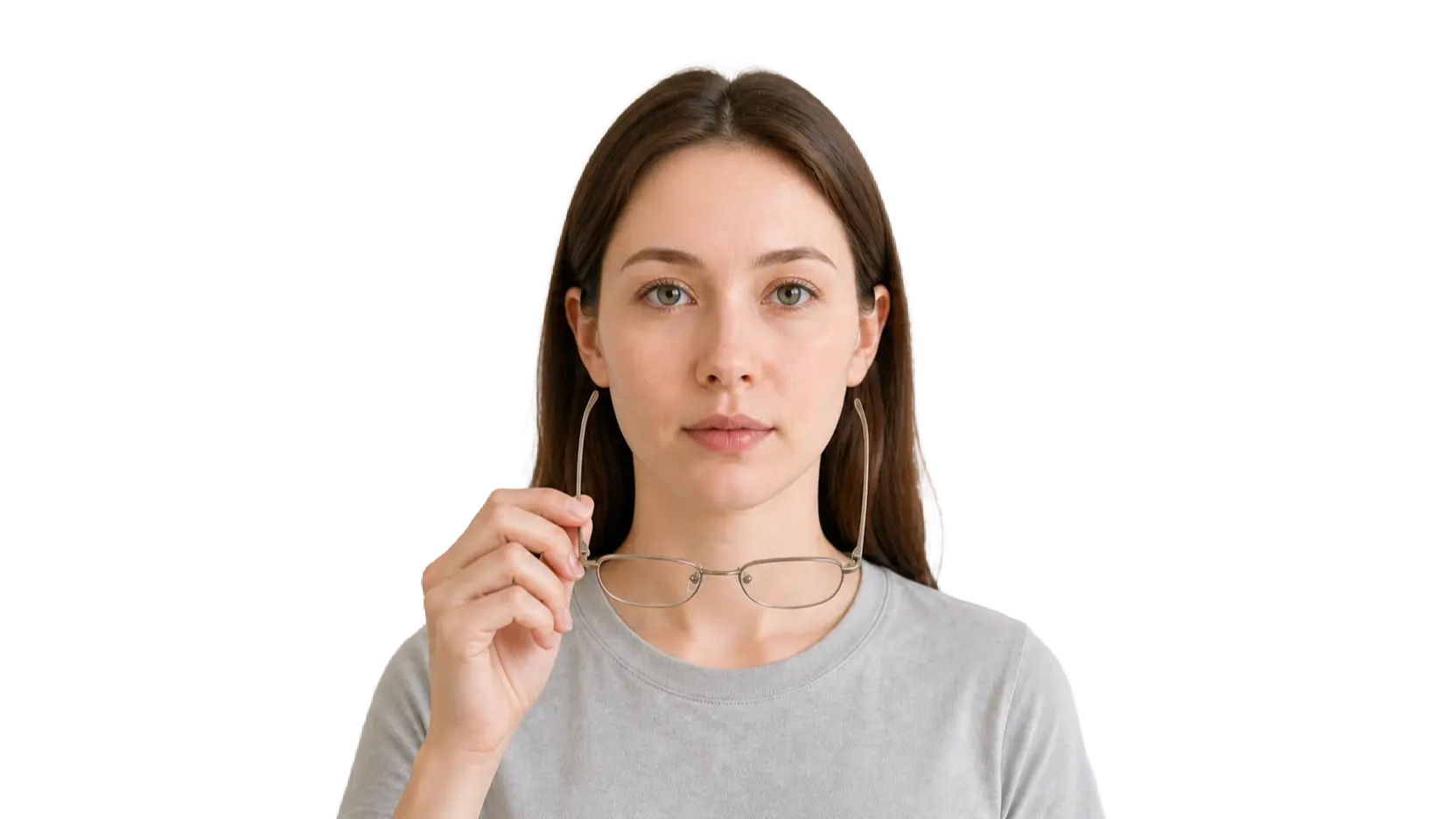
  4. Person demonstrating that glasses and headphones should be removed04

    Remove glasses and headphones

    Remove glasses unless a documented medical exception applies. Keep headphones off and your full face visible.

    FACE UNOBSTRUCTED

What you receive

Your files for online use and printing

After payment, download a ready-to-use 600 × 600 JPEG and a print-ready 4 × 6 sheet with two 2 × 2 photos.

  1. Digital JPEG photo

    A fixed 600 × 600 square sRGB JPEG, up to 240 KB.

    DIGITAL FILE
    600 × 600 px
  2. 2 × 2 print sheet

    Two identical 51 × 51 mm photos arranged on a 4 × 6 inch print-ready sheet.

    PRINT FORMAT
    4 × 6 in
  3. Photo check summary

    Passfo checks the crop, head position, background and file settings before delivery.

    REVIEW
    Background prepared · natural facial features

Need help with a delivered file? Contact Passfo support and include your order reference so we can locate your purchase.

One photo. Digital and print formats.

Choose one clear, recent photo. Passfo checks it and prepares the U.S. digital and print formats for review before payment.

Unpaid previews expire after 1 hour. After successful payment, your photos and files remain available for 24 hours; then access ends and automatic deletion begins.

JPG/PNG/WEBP/HEIC · up to 50 MB. Large photos are optimized in your browser before upload.

  • Deletion starts when access ends
  • Preview 1 hr · Confirmed access 24 hrs
  • Review before payment

U.S. visa photo · From your own device

A visa photo that still looks like you.

Passfo adjusts composition, optimizes the background and prepares the files while preserving natural facial detail.