
MEASURED, CHECKED, READY
One good photo. Ready for your application.
Choose a country and document. Passfo checks your photo, prepares the right format, and lets you preview the result before checkout.
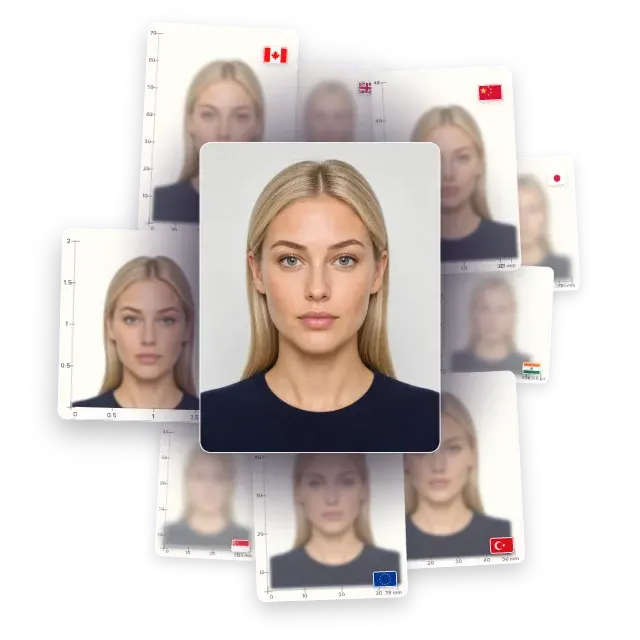
HOW PASSFO CHECKS YOUR PHOTO
More than a crop: four checks to help you get the photo right.
Passfo handles the crop, size and background, then checks photo quality, document rules and the final file.
Face position
Head size, eye line, centering and pose.
POSITION CHECK
If your face sits too high, low or off-centre, Passfo explains how to reposition before you continue.
Capture quality
Lighting, sharpness, open eyes, glasses glare and expression.
QUALITY CHECK
If eyes appear closed or glasses create strong glare, Passfo asks for another shot.
Document rules
Country- and document-specific requirements.
RULE CHECK
If the photo conflicts with a selected document rule, Passfo identifies what needs attention.
Final file check
Final crop, dimensions, DPI and file format.
FILE CHECK
Passfo checks that the finished crop and file settings match your selected document.
A BETTER WAY TO TAKE THE PHOTO
Take your photo at home whenever you feel ready.
Take the photo where you feel comfortable. Review your shots and upload the one that looks most like you.
TAKEN ON YOUR TIME
Choose the photo that still feels like you.
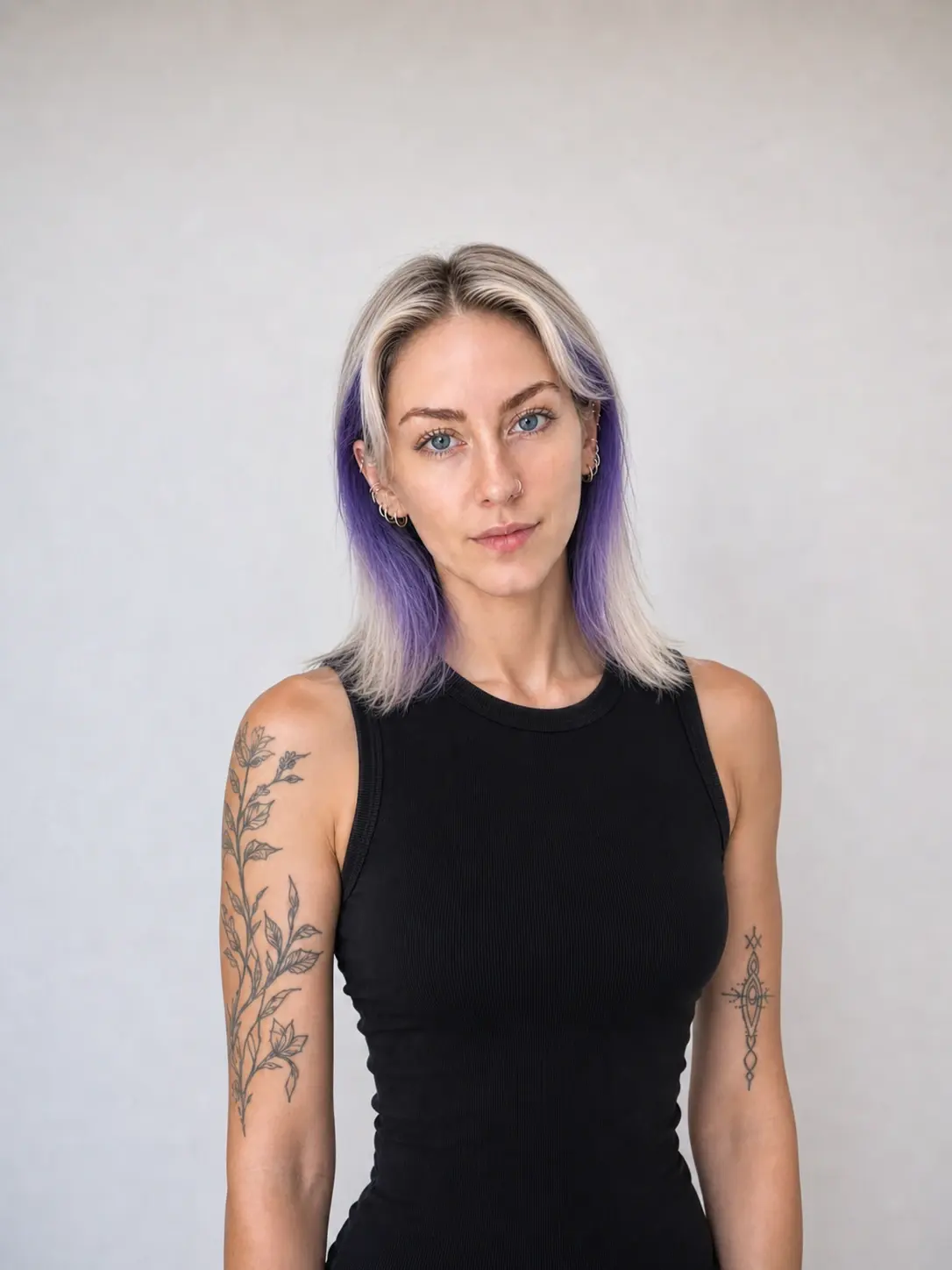
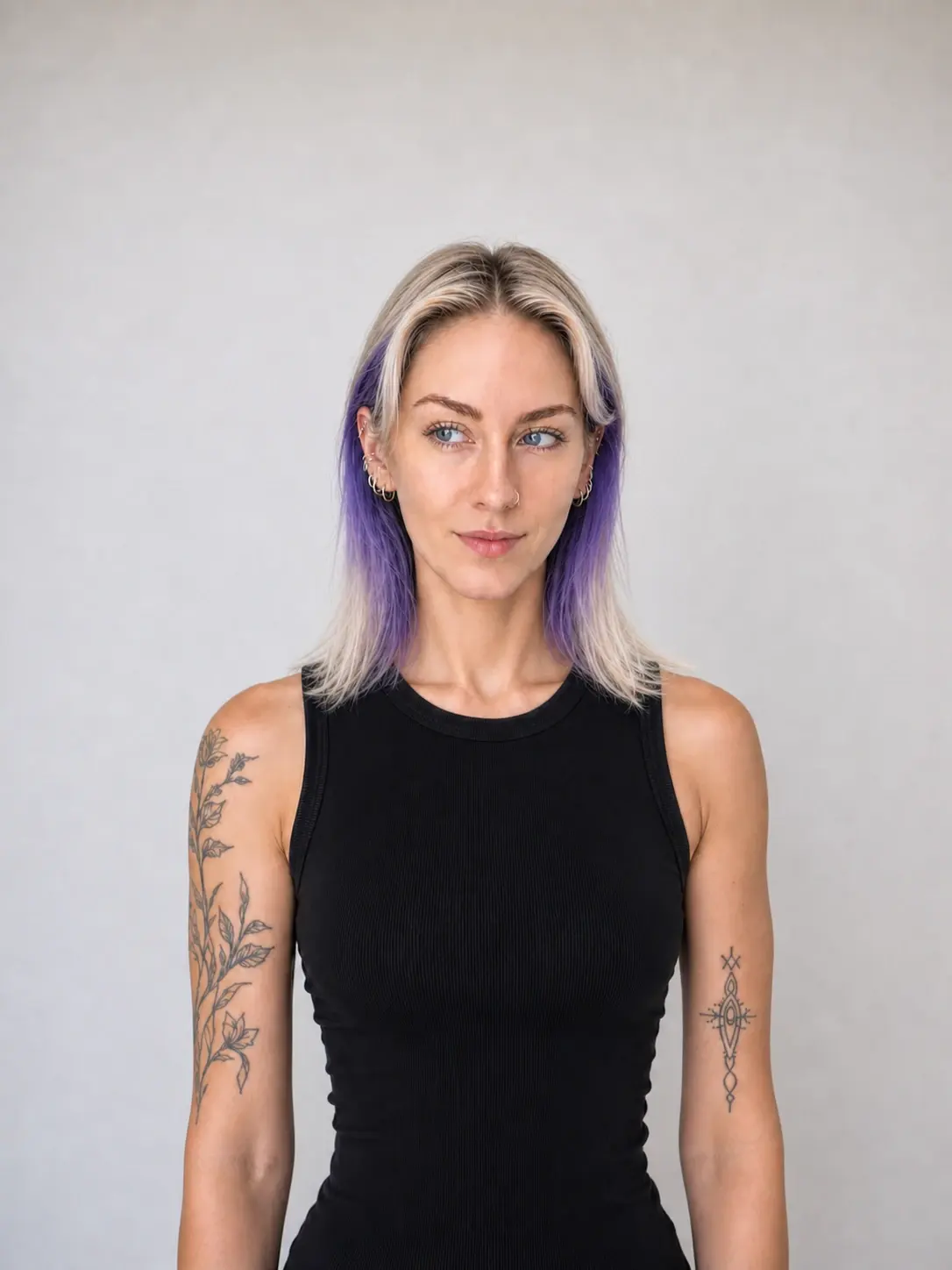
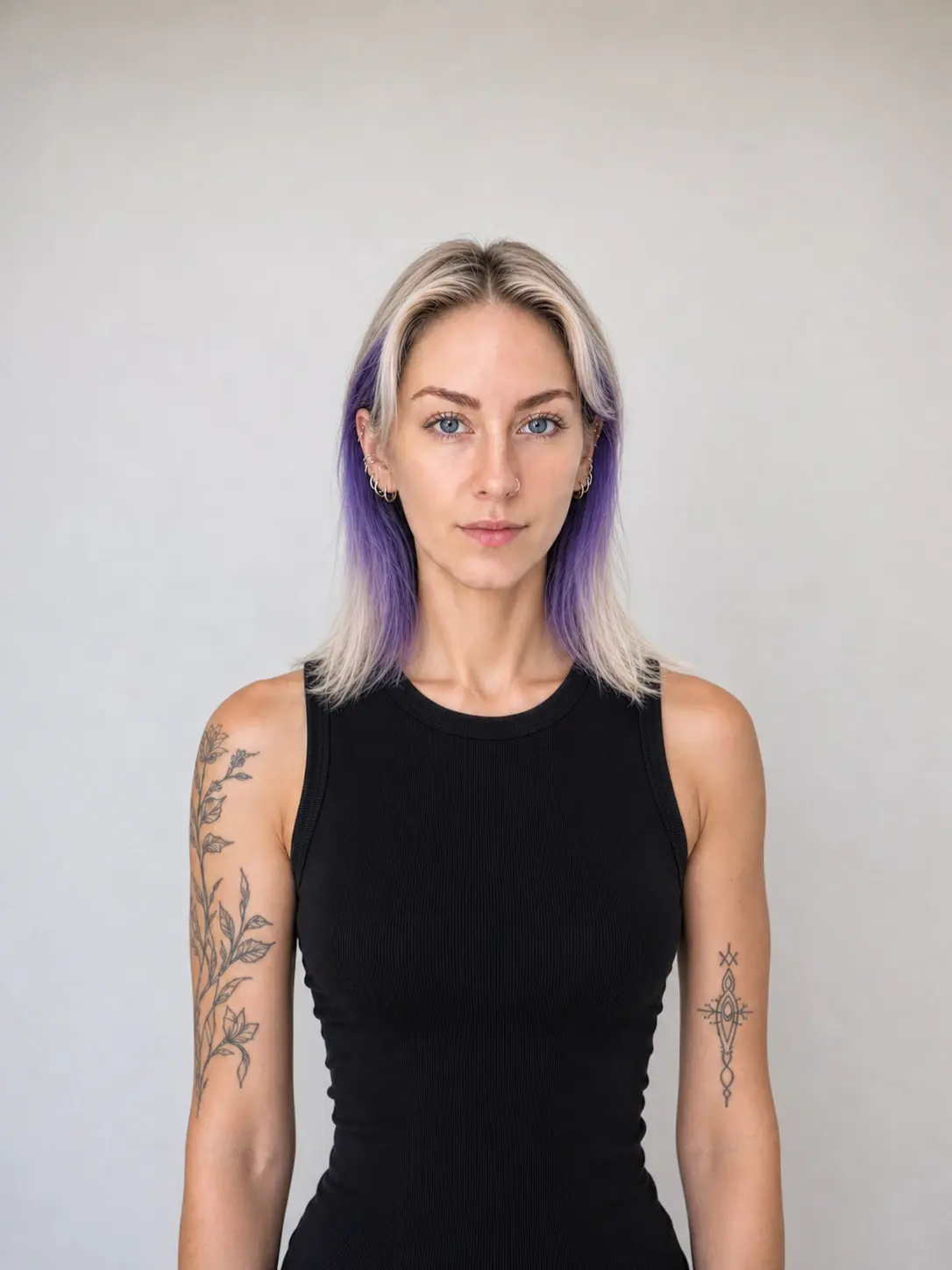
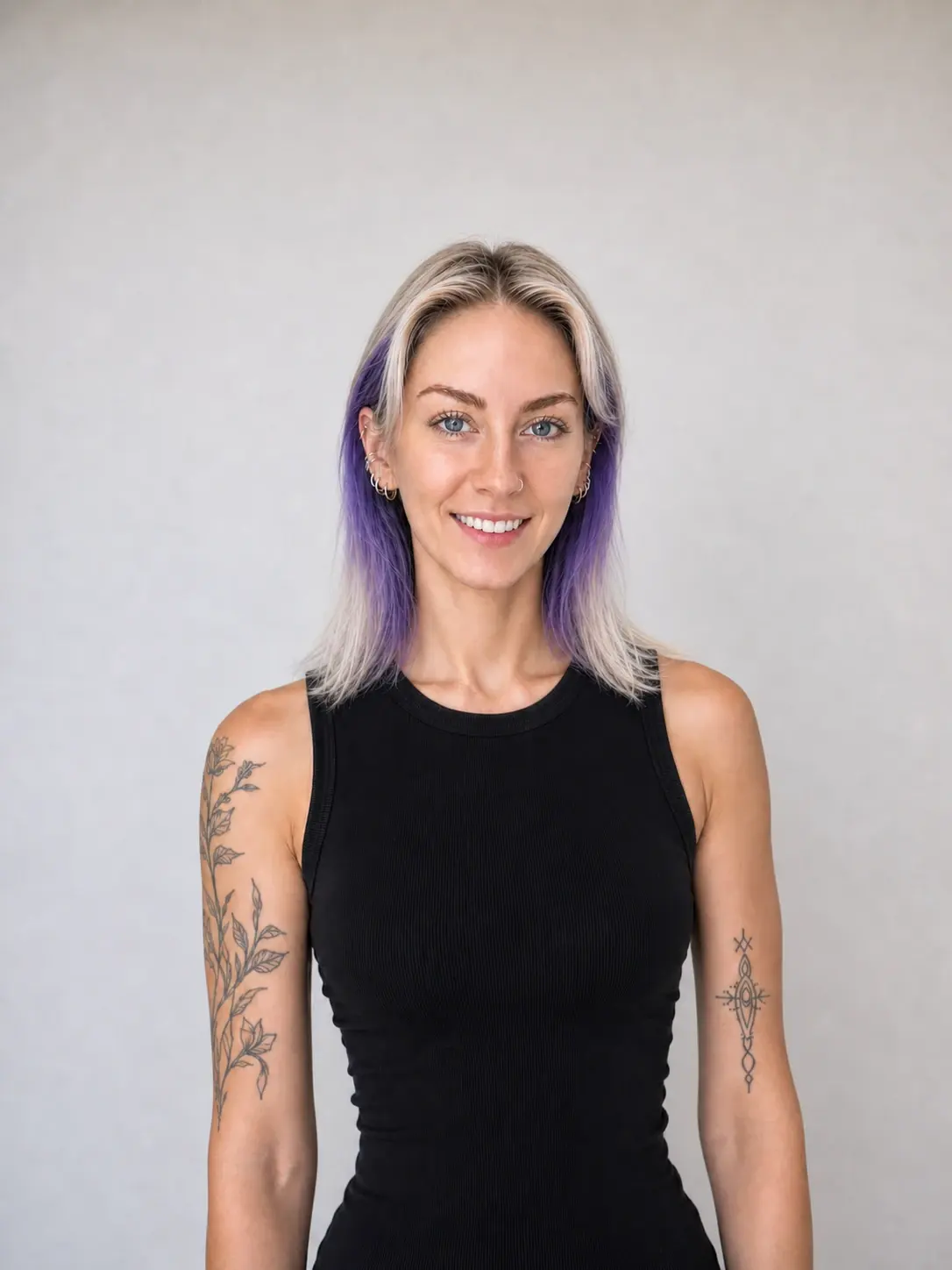
Choose your best shot
Take a few shots before uploading. Pick the expression that feels most like you.
Stay comfortable at home
No trip, queue or photo booth. Take your photo where you feel comfortable.
Let Passfo handle the precise work
You provide the portrait. Passfo prepares the crop, optimizes the background and checks the final file.
FEEDBACK FROM EARLY USERS
What early Passfo users say.
Creating my photo was quick and easy, and I was really happy with the result.
Anna K.The whole process took just a few minutes, and it cost much less than going to a photographer.
Julia K.I used the Passfo Telegram bot to make my photo quickly and paid with Telegram Stars.
Rohan S.
BEFORE YOU START
Your Passfo questions, answered.
Choose your document, upload a clear portrait and let Passfo guide you from there.
What does Passfo actually check?
Passfo checks your face position, lighting, sharpness and document rules, then verifies the crop and final file.
Which document photo should I choose?
Choose the country and document for the application you are completing. Only selectable options are currently available; options marked Coming soon cannot be processed.
Can I take the photo with my phone?
Yes. Use a recent, clear portrait with even light and your full face visible. Passfo will guide you through any document-specific steps.
Do I need a white wall?
Not necessarily. Use a plain, evenly lit background and follow the selected document’s guidance. Avoid patterns, objects, and strong shadows.
What if my photo doesn’t pass the checks?
Passfo explains what needs fixing so you can try again. You won’t be asked to pay for a photo that fails the checks.
Is my photo kept private?
Customer photos are stored privately. Unpaid preview access expires after one hour; after payment or free confirmation, files remain available for 24 hours before access ends and deletion begins.
READY WHEN YOU ARE